Flip cards
Hour, minute, and second cards, in 12 or 24 hour time. Each card flips on its own, just like the real thing.
For Mac, iPhone, and iPad
FlipClock Board turns your screen into a retro split-flap clock. Arrange hour, minute, and second cards, date cards, and an analog dial on a grid, then color everything to match your desk.
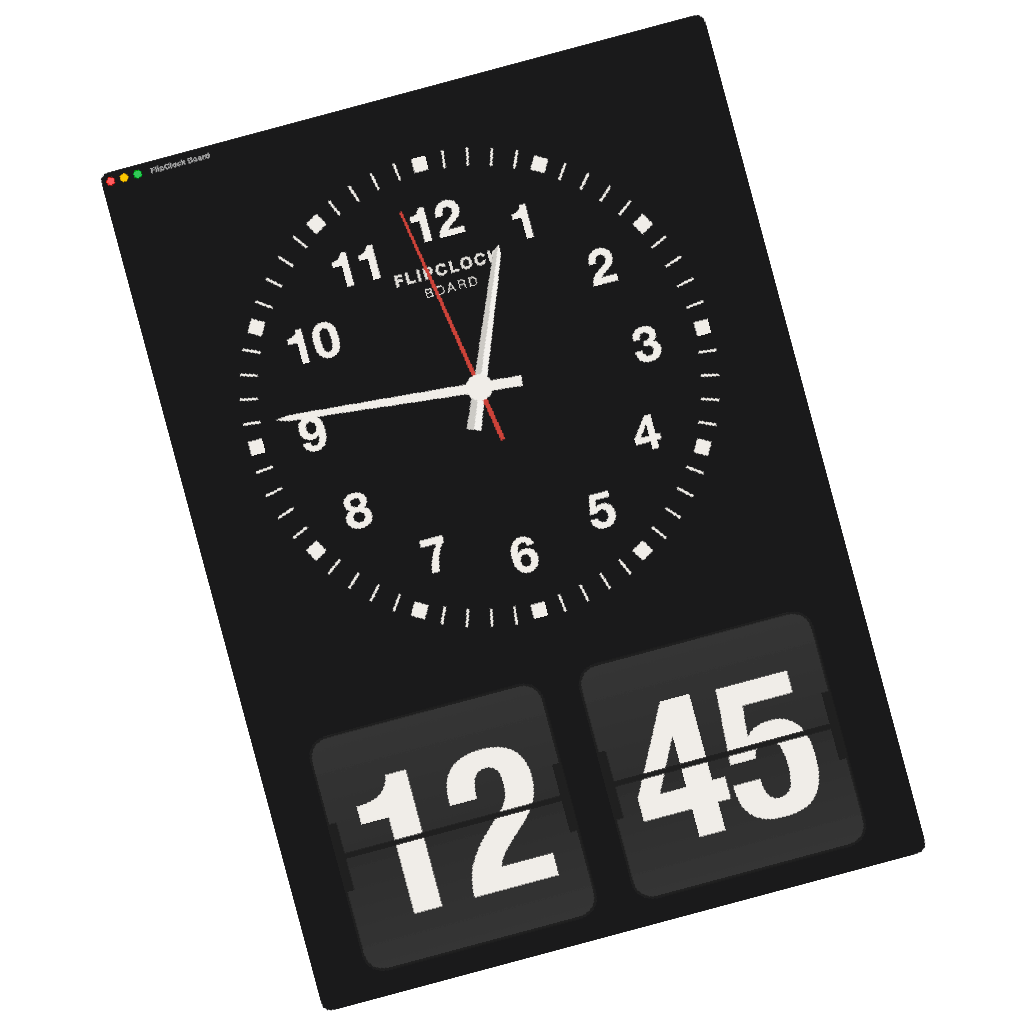
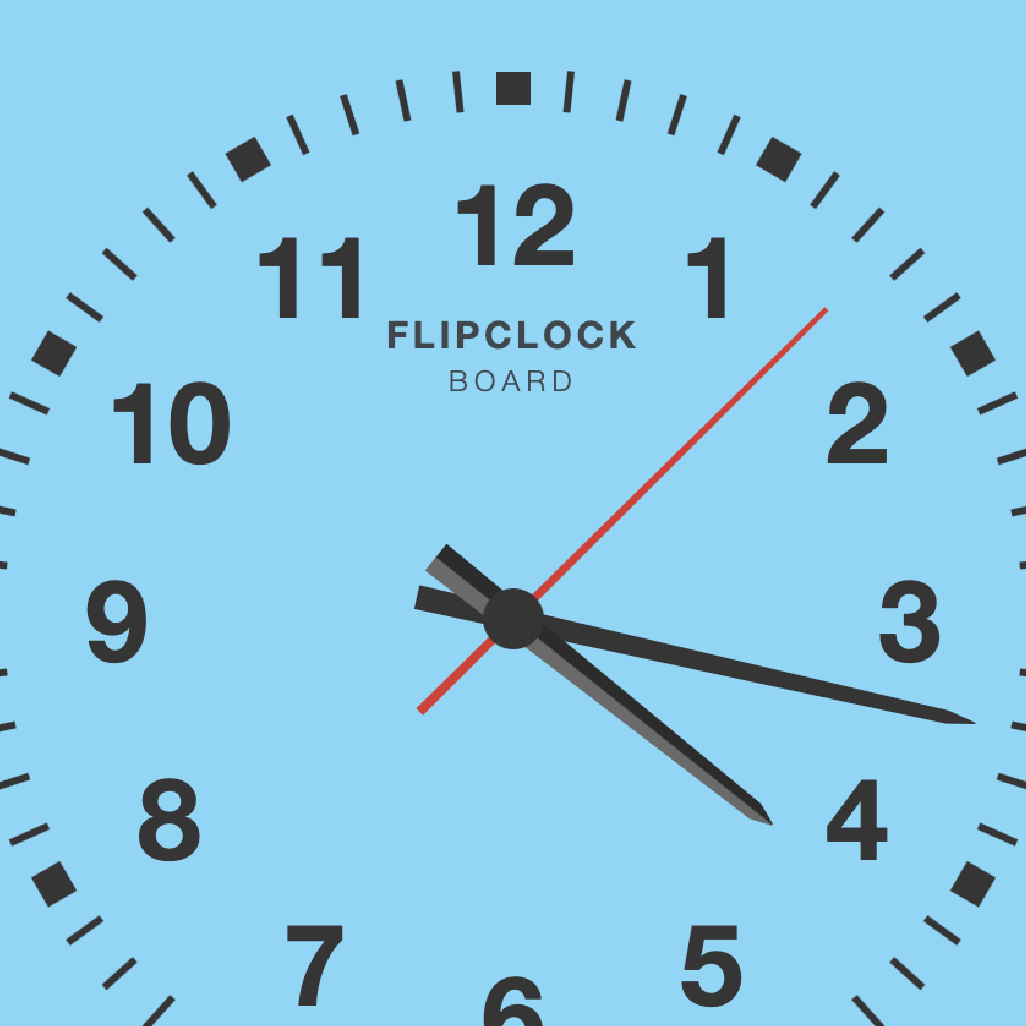
The design is inspired by the flip clocks of the 1960s and 70s. Cards flip with a two-stage animation and an optional mechanical click. The analog clock has a vintage dial with numerals or batons, a red seconds hand, and face text you can edit.
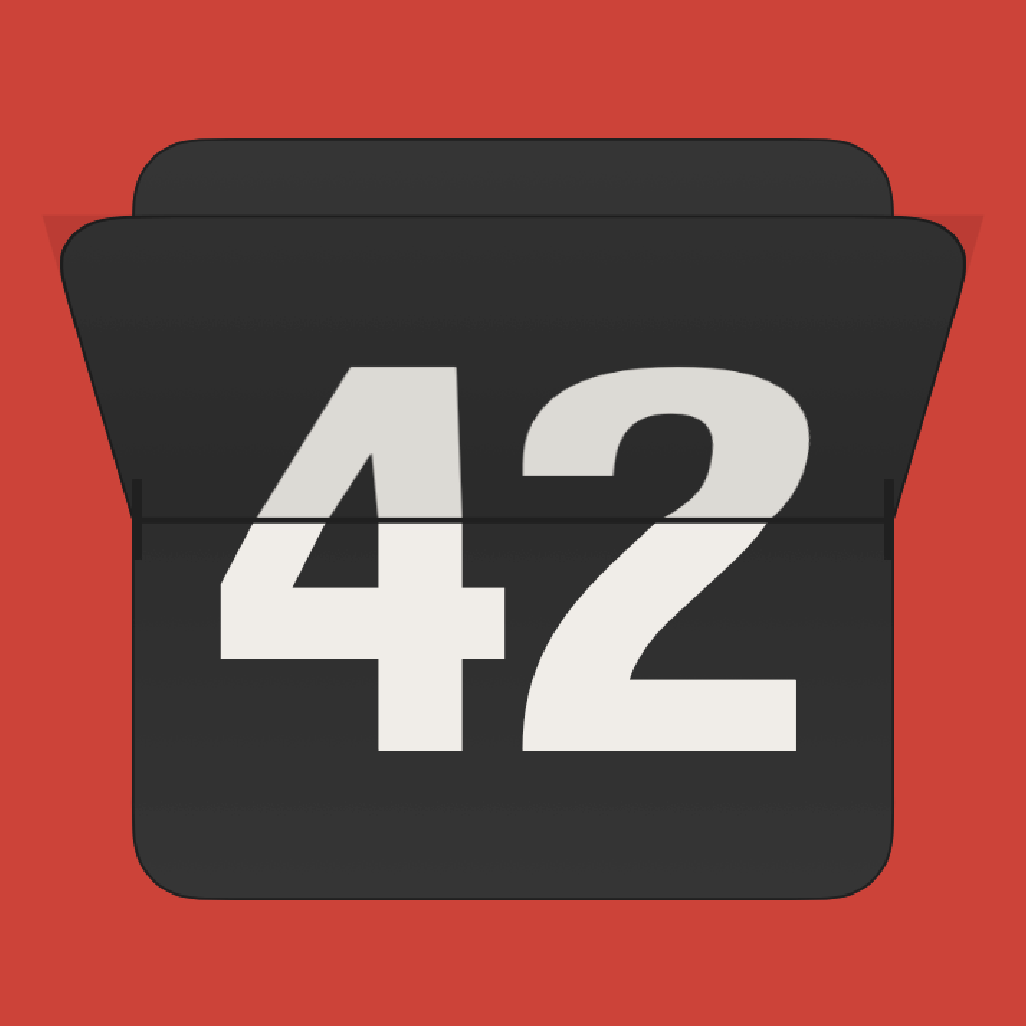
Hour, minute, and second cards, in 12 or 24 hour time. Each card flips on its own, just like the real thing.
Weekday, day, month, and year cards, with short or full names. Keep the date next to the time or build a calendar row.
A vintage dial with numerals or batons and an optional seconds hand. Edit the face text to make it yours.
Six case colors for the background. Set card and digit colors per widget, or restyle the whole board at once.
Adjust grid size, cell size, and spacing. Keep the grid maximized and the board sizes itself to fill the screen. On iPhone and iPad you get separate layouts for portrait and landscape.
Day and month names follow your language, or pick from ten others.
FlipClock Board for Mac is a separate native app. Run it in a window in the corner of your screen, or take it full screen and turn a spare display into a desk clock. The window tint matches your case color. It works on any Mac running macOS 15 or later.
An optional flip sound with volume control. Turn it up for the full mechanical effect, or keep the board silent.
Keep the screen awake while the clock is showing. Your board saves automatically and restores on launch.
No account, no ads, no tracking. The app makes no network connections. Your board stays on your device.